Case study · 4 min read
Dentist Finder
Dentist Finder is a self-initiated product that I developed with a software developer. I shaped the concept, search journey and interface, and created the design system that supported its functional online version.
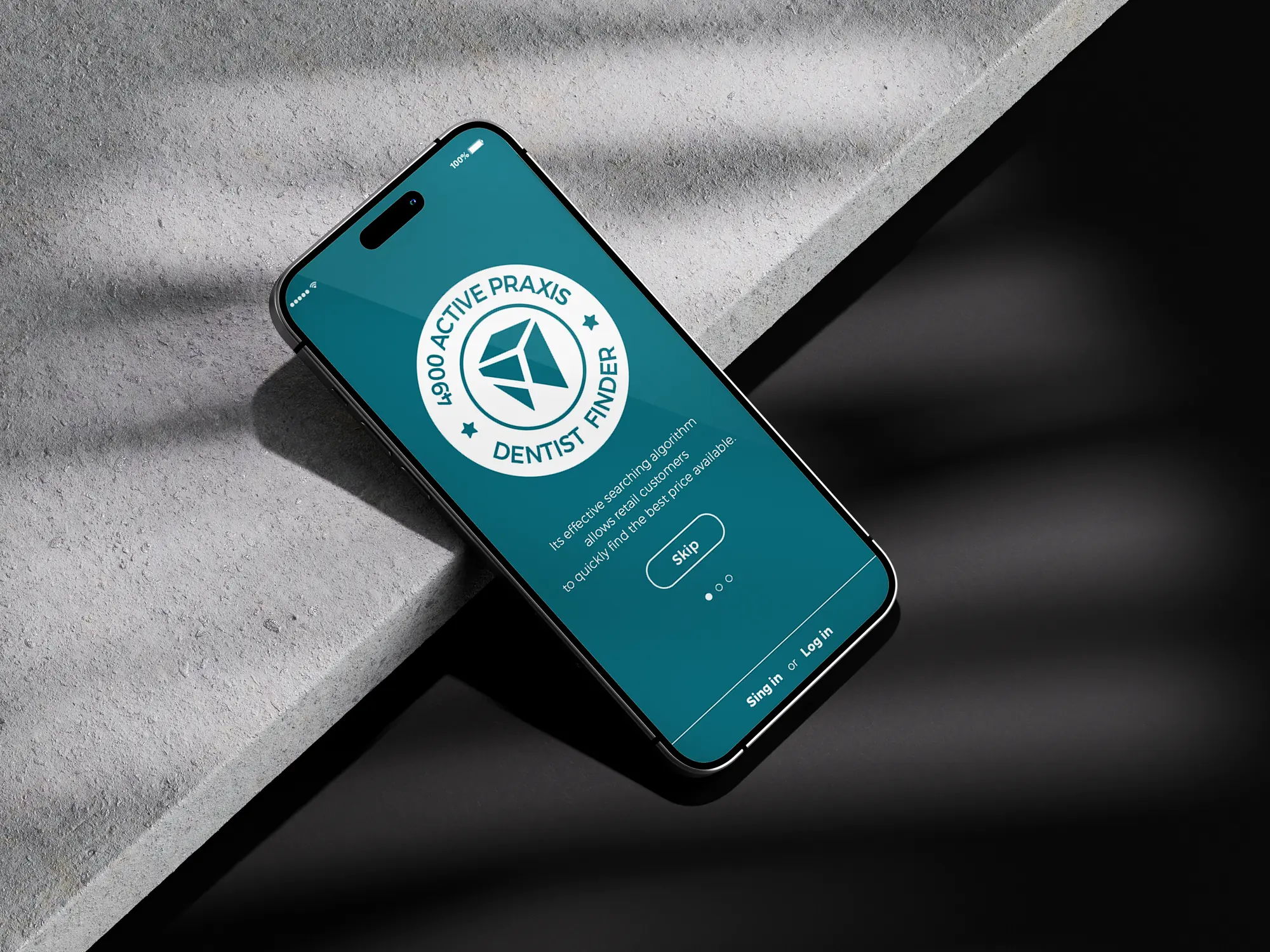
Dentist Finder's desktop and mobile interface.
Context and my role
A self-initiated product connecting search, comparison and practice profiles.
Dentist Finder began with a question: how could searching for a dental practice become easier to navigate? The idea was to bring practice information into a shared format so people could narrow their options and compare relevant details.
That required more than individual screens. Search, filters, result cards and practice profiles needed to work together, with a clear path from an initial query to a closer look at a practice.
My role: product concept, UX/UI design and the design system.
I was responsible for the product concept, information architecture, user flows, wireframes and responsive UX/UI design. I worked with a software developer to turn the design into a functional online experience.
I also created the design system, defining the visual foundations, reusable components and interaction states used throughout the interface.
Approach
Define the core journey. I mapped the steps from searching and filtering to comparing results and opening a practice profile.
Work through the structure. I used wireframes to explore how the key screens and information would fit together before developing the visual design.
Create reusable building blocks. I defined the styles, components and states needed across the product.
Build with a developer. We brought the designs into a working online version, connecting the screens into a usable flow.
Early wireframes exploring the key screens and information structure.
Key design decisions
Help people narrow their options first
Search and filters lead into the results, allowing users to explore a smaller set of practices before opening individual profiles.
Make practice information comparable
Cards and profiles follow a shared format. Keeping core details in predictable places helps users review their options without having to interpret a new layout each time.
Establish shared rules early
I created reusable components and design tokens while developing the core screens. This gave design and implementation a common reference as we added new parts of the interface.
Design system
The design system connected the product's visual language with its everyday interactions. It covered the following foundations and components.
Visual foundations
Colour, typography, spacing and grid rules gave the interface a shared visual structure.
Design tokens
Named colour and typography values made styles easier to reuse and update consistently.
Layout rules
A common spacing scale and grid organised results, cards and forms across different screen sizes.
Reusable components
Search fields, filters, practice cards, buttons, navigation and form fields included variants for their different uses.
Interaction states
Defined default, hover, focus, selected, error and disabled states clarified how interactive elements should behave.
Responsive behaviour
Layouts adapted the same components for desktop, tablet and mobile, maintaining a recognisable experience across devices.
Colour, typography, spacing and design tokens.
Reusable components and their interaction states.
How the layouts adapt across desktop, tablet and mobile.
The solution
A shared search-to-profile journey, built on a reusable component library.
Users can enter a location or need, narrow the results with filters and review practices through a shared card format. Opening a profile provides more detail about an individual practice.
The interface and component library were developed together, linking the overall search journey to the smaller interactions within it.
The journey from search and filters to a practice profile.
Selected screens from the functional online version.
Outcome
Dentist Finder reached a functional online version with a connected search and comparison flow. The project brought together my work on product structure, interface design and a reusable design system, realised in collaboration with a developer.
What I learned
Behaviour matters as much as appearance — and shared components pay off early.
Working closely with a developer made it important to explain how the experience should behave, not only how it should look. Defining components and states early gave us a shared reference and made subsequent design work easier to extend.